Zookeeper Visual UI Tools
A few handy Zookeeper UI tools that can save you real time in day-to-day work.
Why bother with a UI tool
Zookeeper's built-in command-line client zkCli.sh covers the basics, but it is clunky: browsing the node tree means running ls level by level, reading node data takes a separate get, and once nodes pile up it's hard to get any intuitive picture of the overall structure. When you're troubleshooting things like registry entries, distributed locks, or config nodes, a graphical tool that lays out the Znode tree, node data, and stat metadata in one view spares you a lot of typing.
Zookeeper's data model is simple at heart: a tree of Znodes, each holding a small amount of data along with stat info such as version numbers, ACLs, and create/modify timestamps. So the core feature set of these UI tools is largely the same — node CRUD, data editing, and connection management — and the real differences come down to UI polish and how actively the project is maintained. Here are the ones I've used.
Zookeeper Assistant (paid)
ZooKeeper Assistant - a visual management and monitoring tool for ZooKeeper
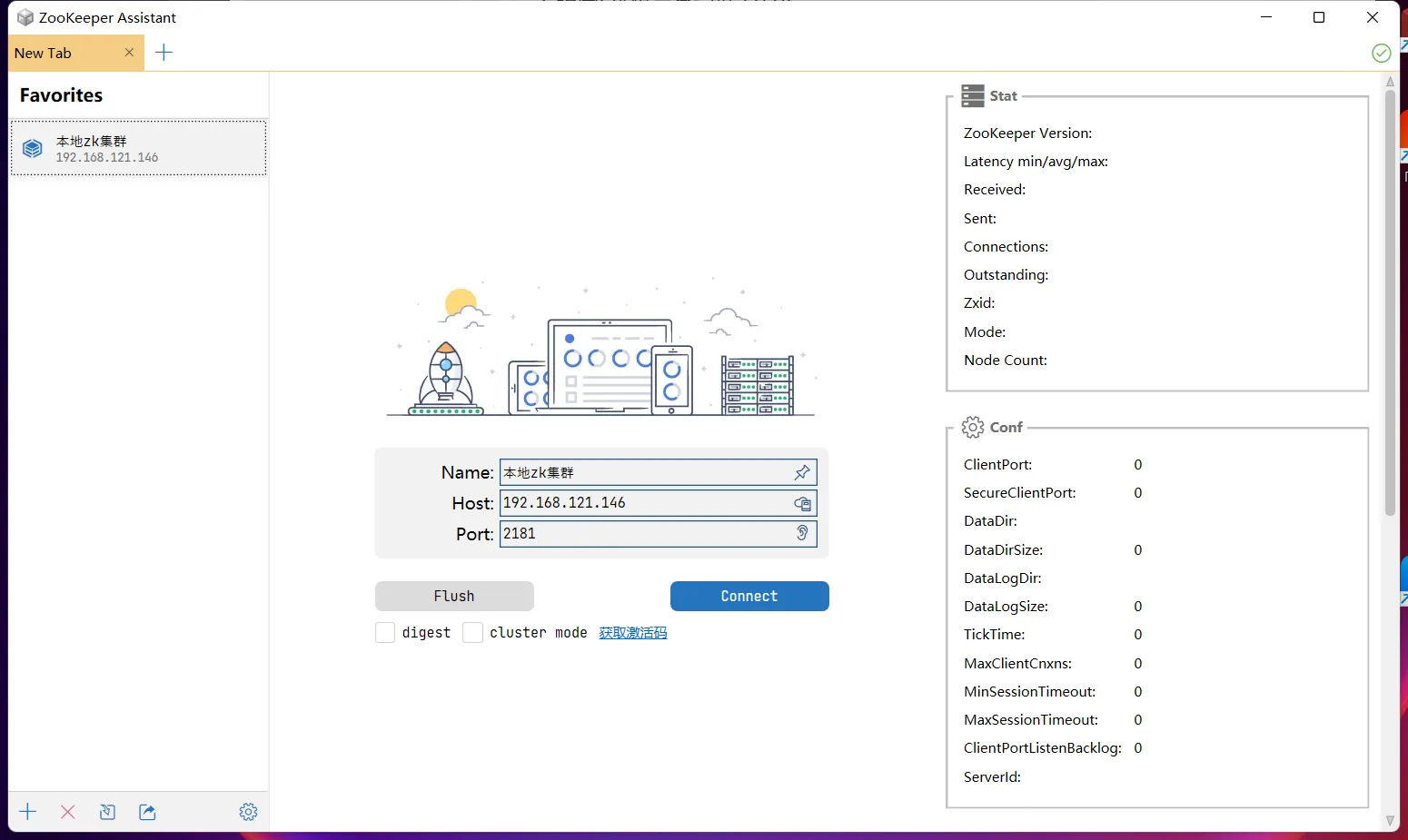
This is the desktop client from Redisant, and the interface follows the same style as the rest of their products: node tree on the left, data panel on the right, with node data and metadata visible at a glance.
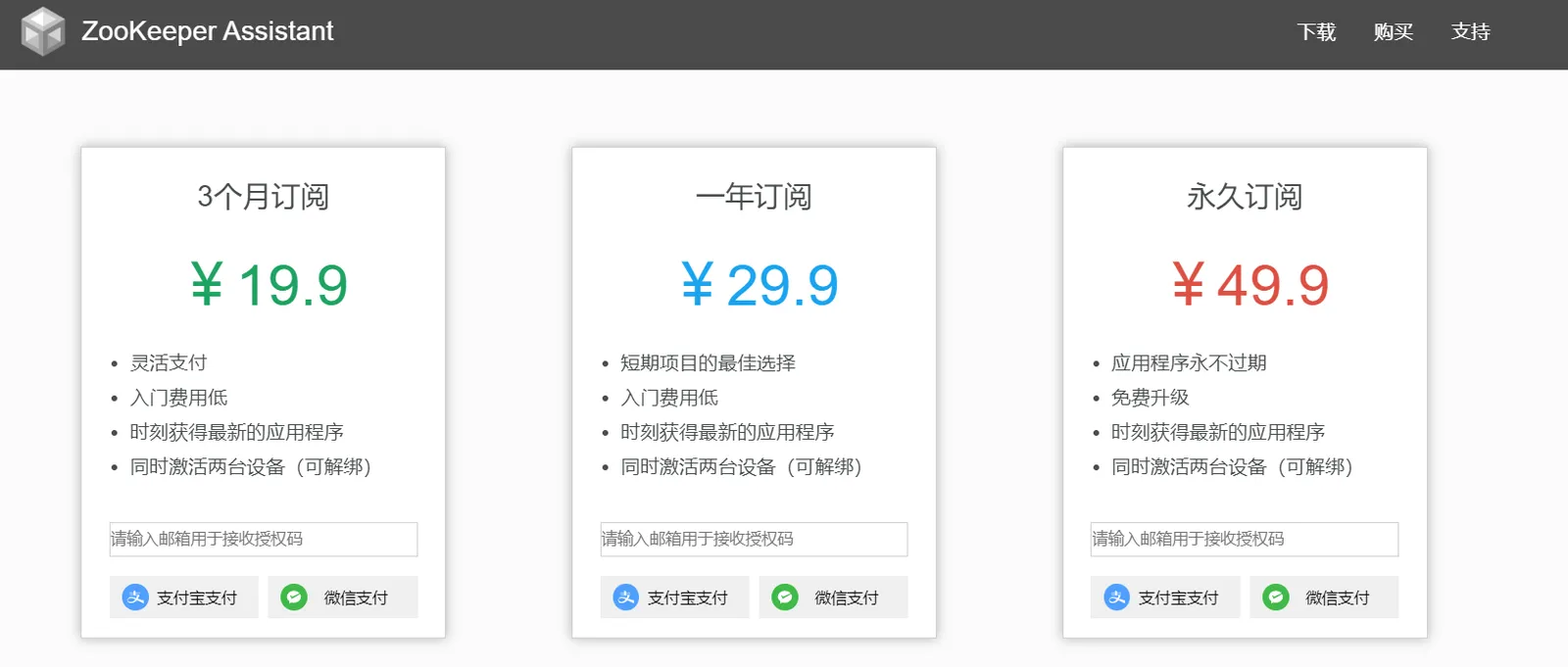
Personally I don't think it's worth paying for — ZK isn't complicated, and the work is mostly CRUD on Znodes. That said, you can tell they put real care into the UI, which deserves credit. If your company will pick up the tab and you want an out-of-the-box experience, it's worth a look; for personal use, the free options below are plenty.
PrettyZoo (open source, free)
This is the one I actually use — free, and the UI is genuinely easy on the eyes.
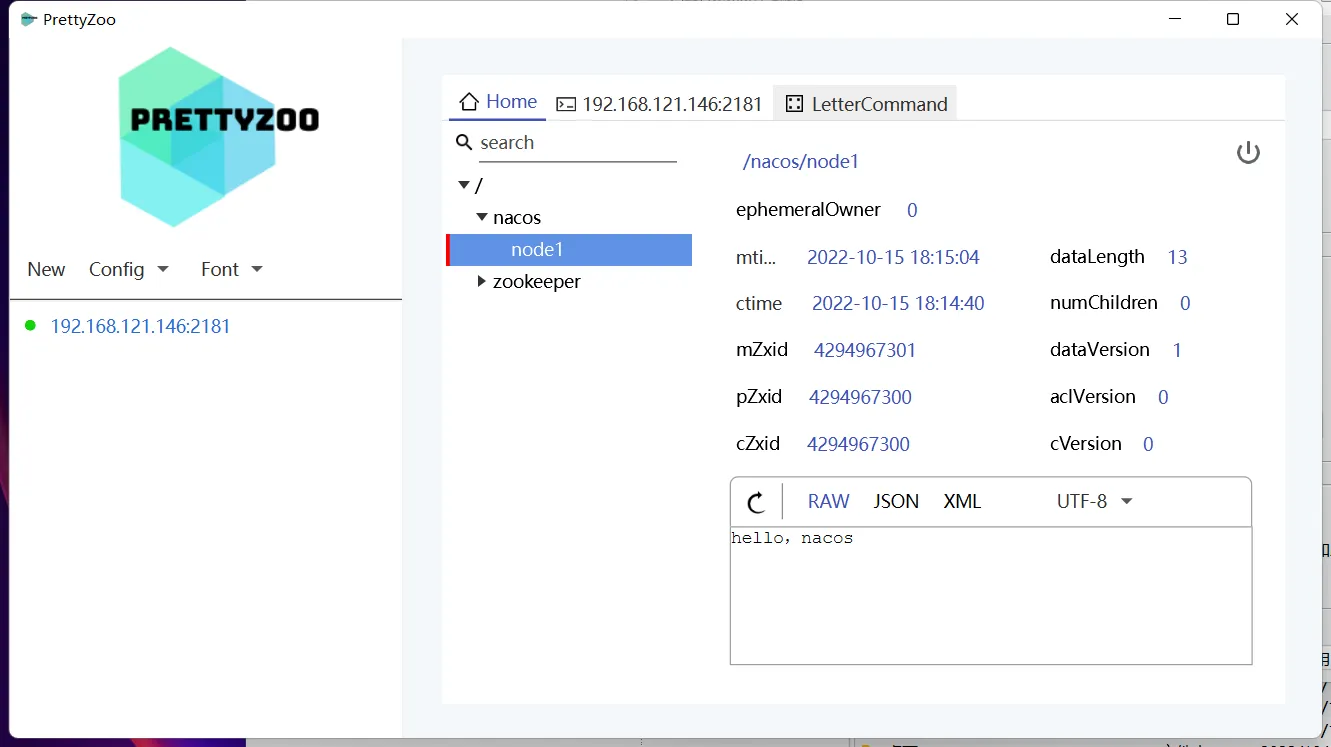
GitHub: vran-dev/PrettyZoo: 😉 Pretty nice Zookeeper GUI, Support Win / Mac / Linux Platform (github.com)
It's a desktop app built on JavaFX, with installers for Windows, Mac, and Linux. Beyond basic tree browsing and data editing, it shows node stat info and ships with a built-in command-line terminal, so anything the GUI can't do you can just type. For me, "free + cross-platform + decent-looking + still maintained" adds up to an easy default choice.
zktools
Unmaintained for a long time — the GitHub repo was last touched four years ago — but thanks to the author for the effort all the same.
GitHub - zhangyawei117/zktools: zk visual tool zktools
Back when there weren't many options, it helped a lot of people. Now that more active alternatives exist, I wouldn't recommend it to new users; it's listed here mostly as a tribute.
zkui
ZKUI is a web-based tool, also last updated two years ago, and I rarely reach for it these days.

GitHub: https://github.com/DeemOpen/zkui
Unlike the desktop clients above, zkui is a web app deployed on a server, accessed by the team through a browser — a good fit for the "deploy once, share with everyone" scenario. The cost is that you now have a service to maintain, plus login and permission concerns; if you just want to poke at nodes yourself, a desktop client is less hassle.
Pitfalls and caveats
-
Be extra careful when connecting to production ZK. In these tools, deleting a node or editing data is often a single click, with none of the psychological friction of a confirmation step — accidentally deleting a registry node can take down a whole batch of services. In production, use these tools for reading only, and route writes through scripts or a change process.
-
Watch out for ACLs. If the cluster has ACL authentication enabled, a connected tool may only show some nodes or fail to read data. That's not a bug in the tool — first check whether you connected with the right credentials.
-
Long-unmaintained tools (zktools and zkui above) can hit compatibility issues on newer Zookeeper releases or newer JDKs. When you see a bizarre error, suspect version mismatches before you suspect the cluster.
Wrapping up
Among these tools, my pick is clear: for everyday personal use, go straight to PrettyZoo — free, cross-platform, good-looking, and still maintained. If you want a commercial-software experience and have the budget, take a look at Zookeeper Assistant; if the team needs a shared entry point, then consider the web-based zkui. None of these tools is complicated — pick one that feels right and spend the saved time on real problems.
COMMENTS